 NextBus
NextBus
NextBus
Live public-transport departures for the stops you actually use — on your iPhone, Apple Watch and Home Screen.
Live vertrektijden van het openbaar vervoer voor de haltes die jij écht gebruikt — op je iPhone, Apple Watch en beginscherm.
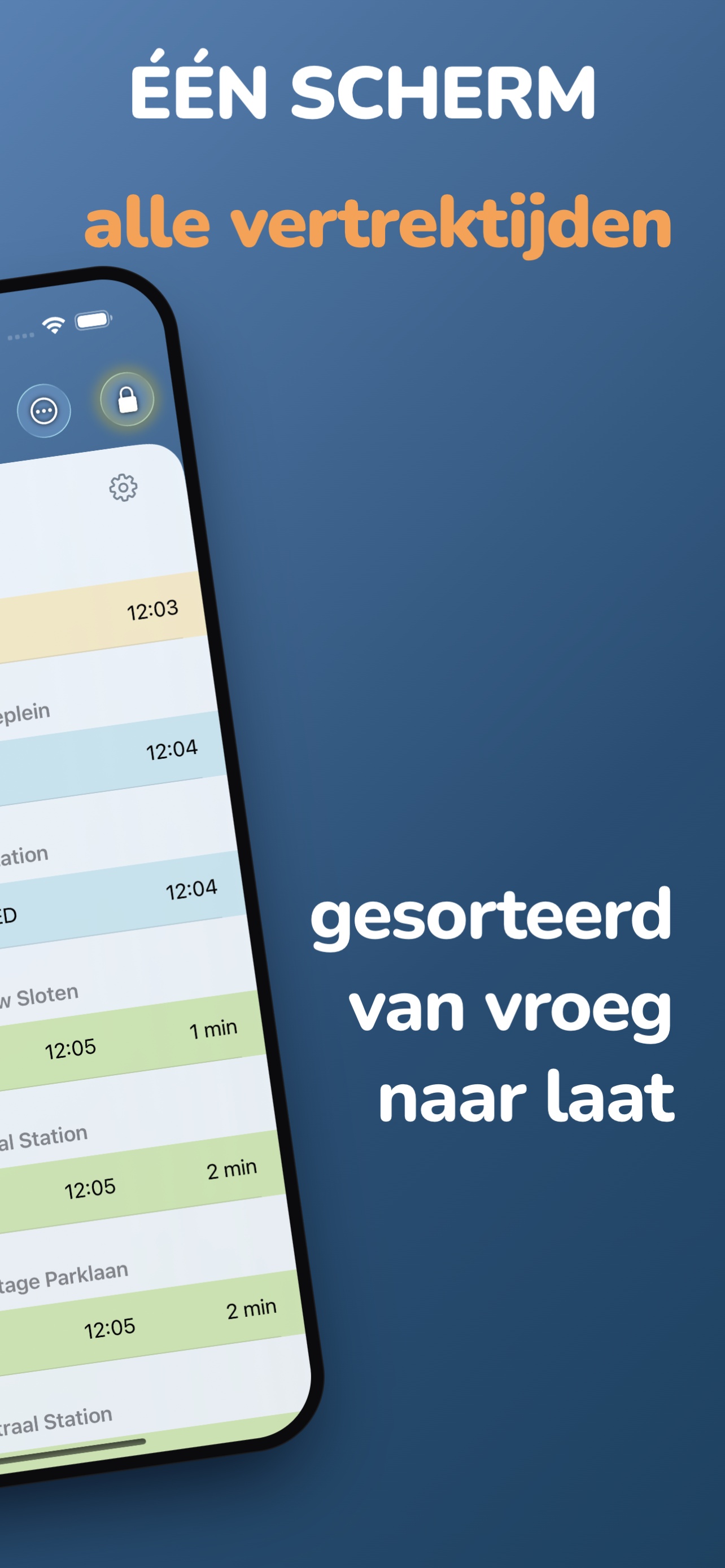
NextBus brings every nearby departure together on one screen, so you can see your next ride at a glance.
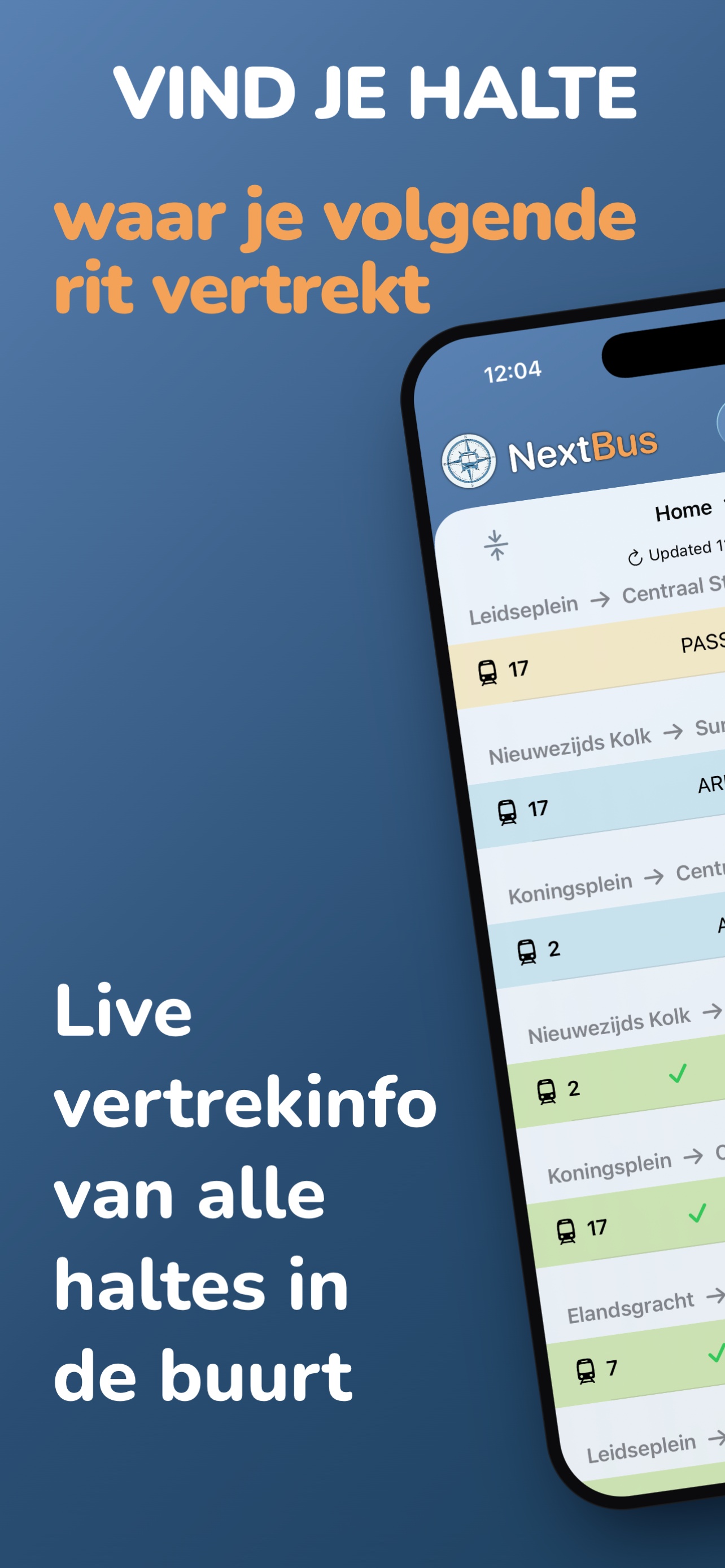
NextBus brengt alle nabijgelegen vertrektijden samen op één scherm, zodat je je volgende rit in één oogopslag ziet.
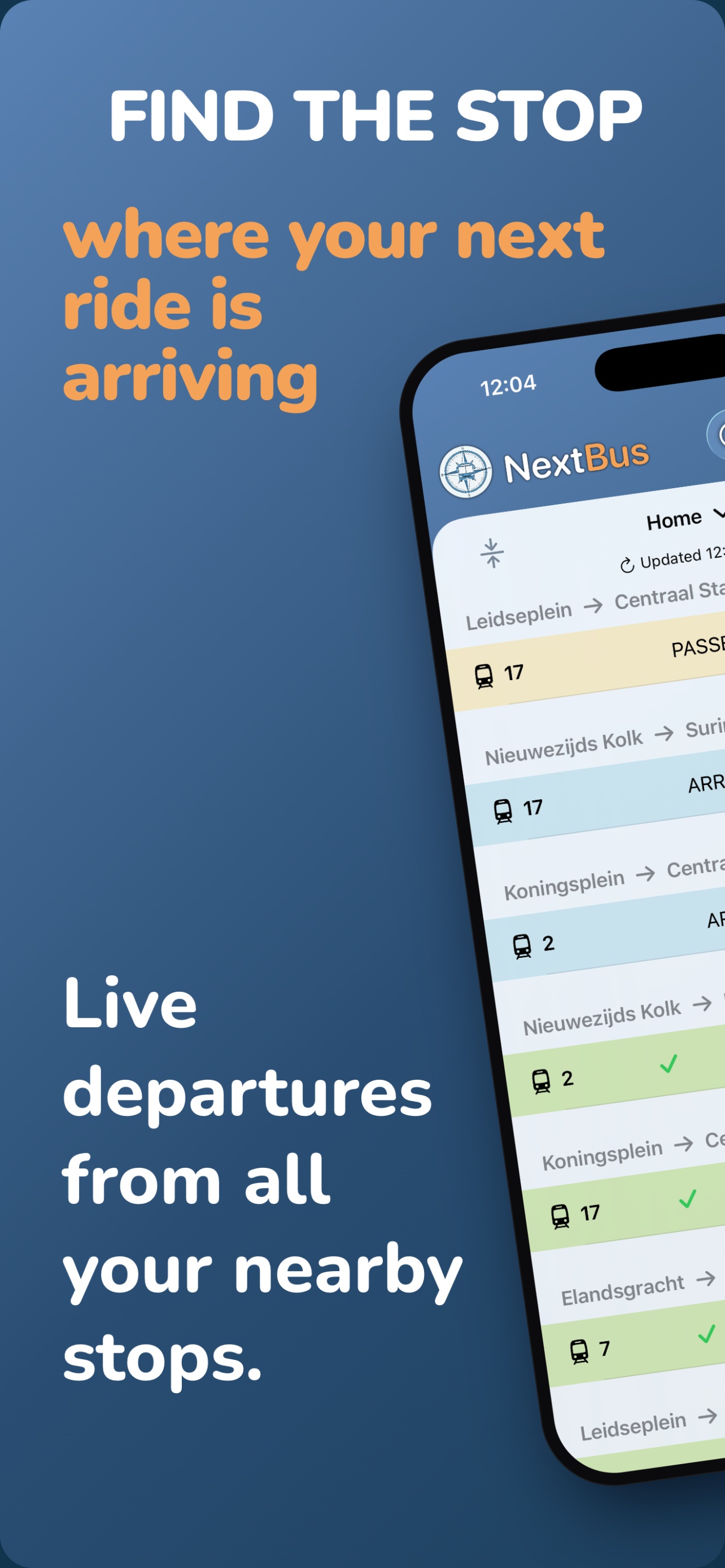
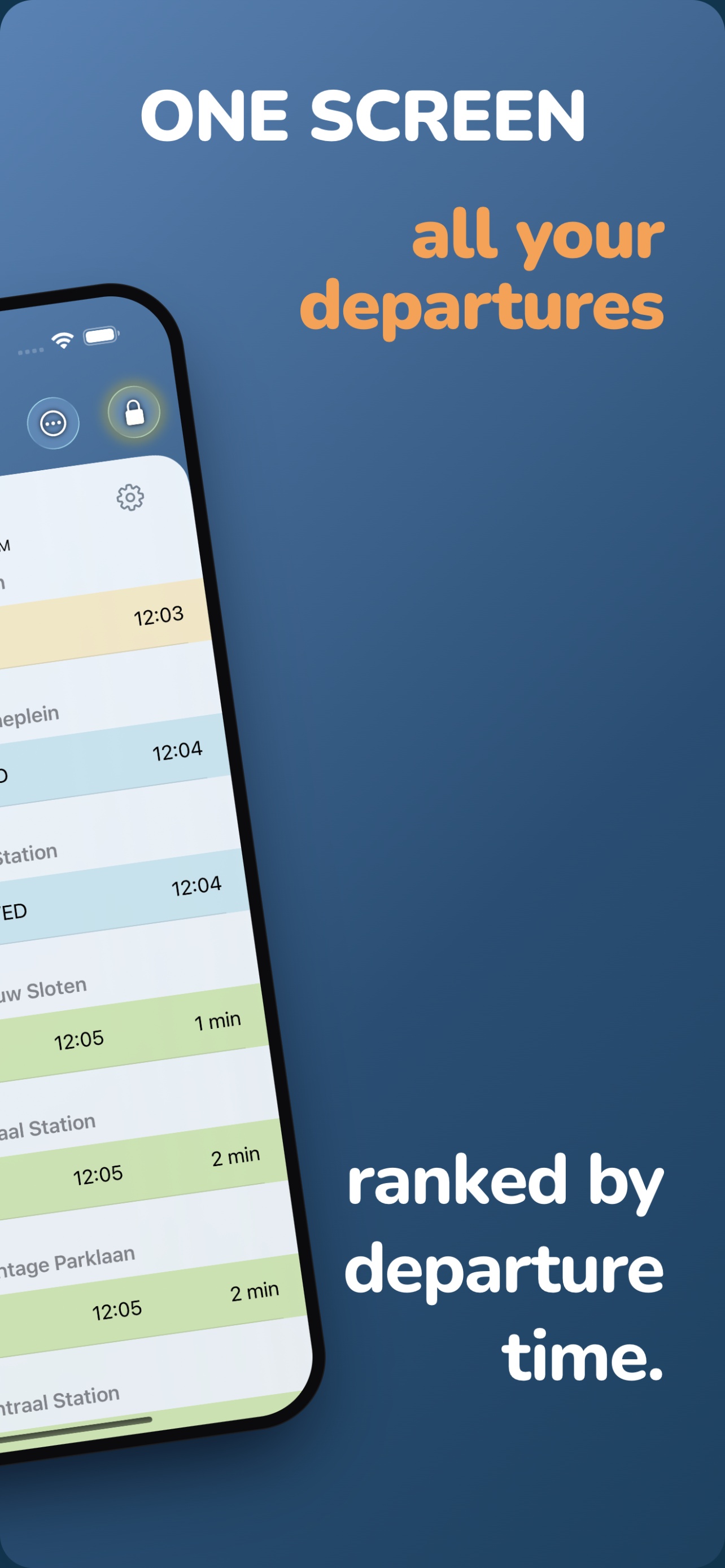
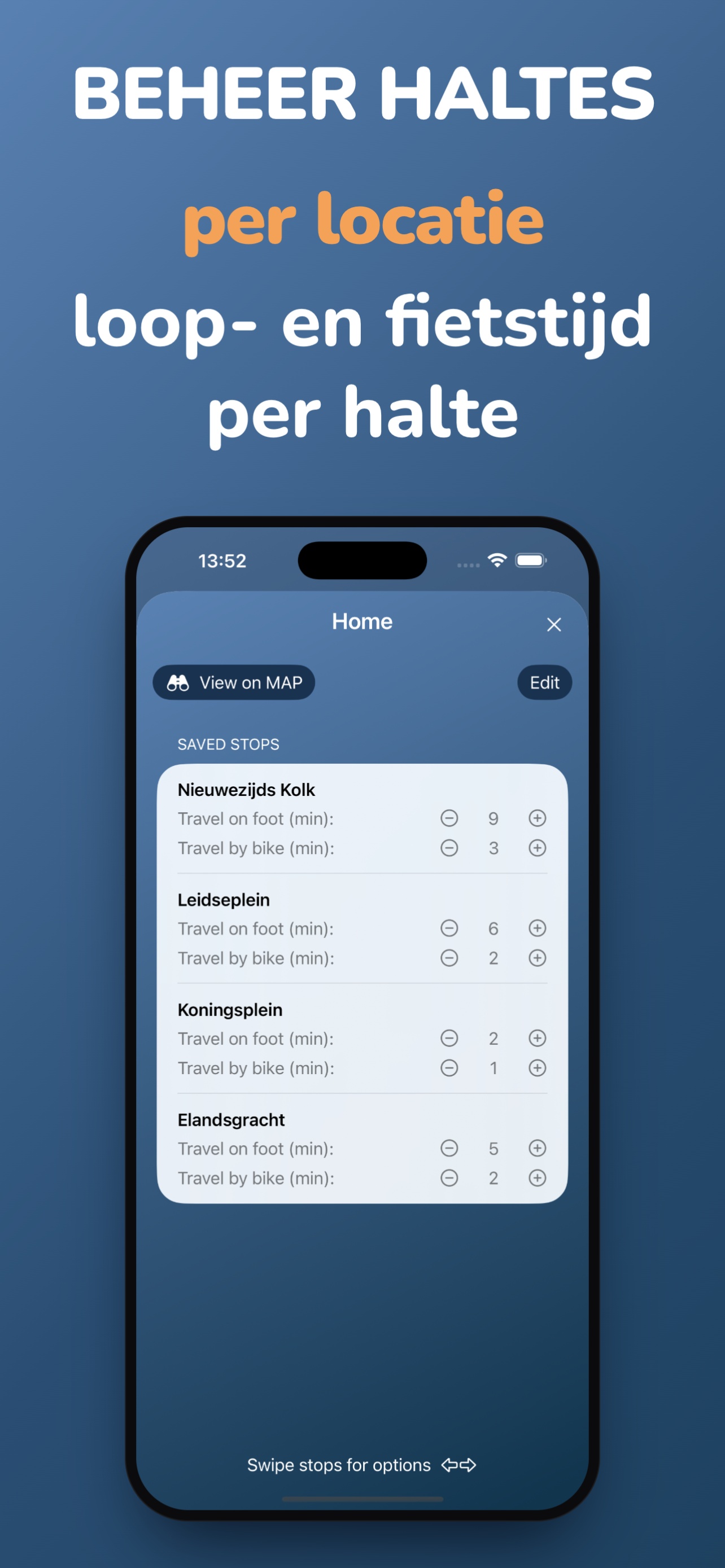
NextBus uses live data from the Dutch public-transport network (KV78turbo), covering buses, trams, trolleybuses and ferries. If a stop shows nothing, there are probably just no departures within your selected time window. Try increasing the time range in Settings, or check again a little later.
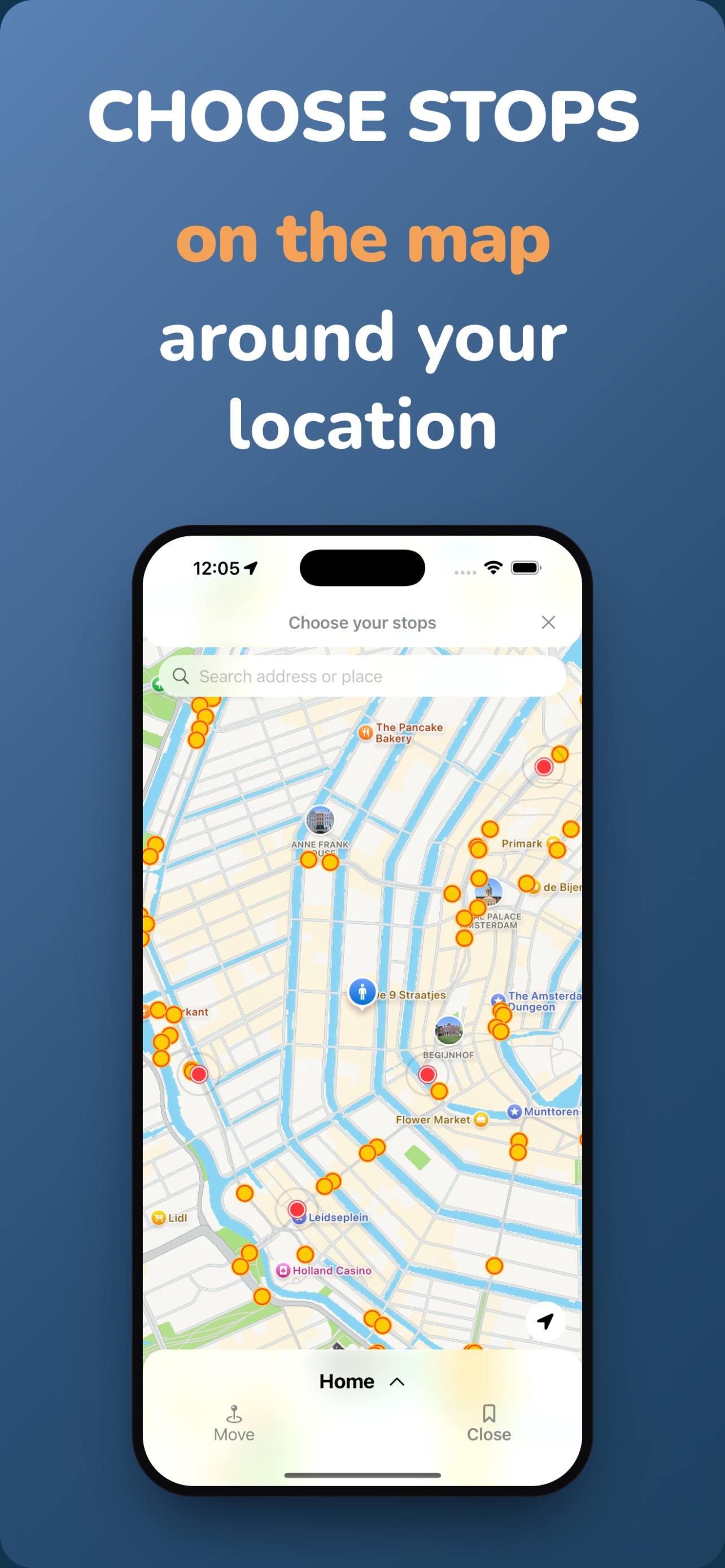
Make sure location access is enabled for NextBus under iOS Settings › Privacy & Security › Location Services. You can also open the map and pick your stops by hand around any address.
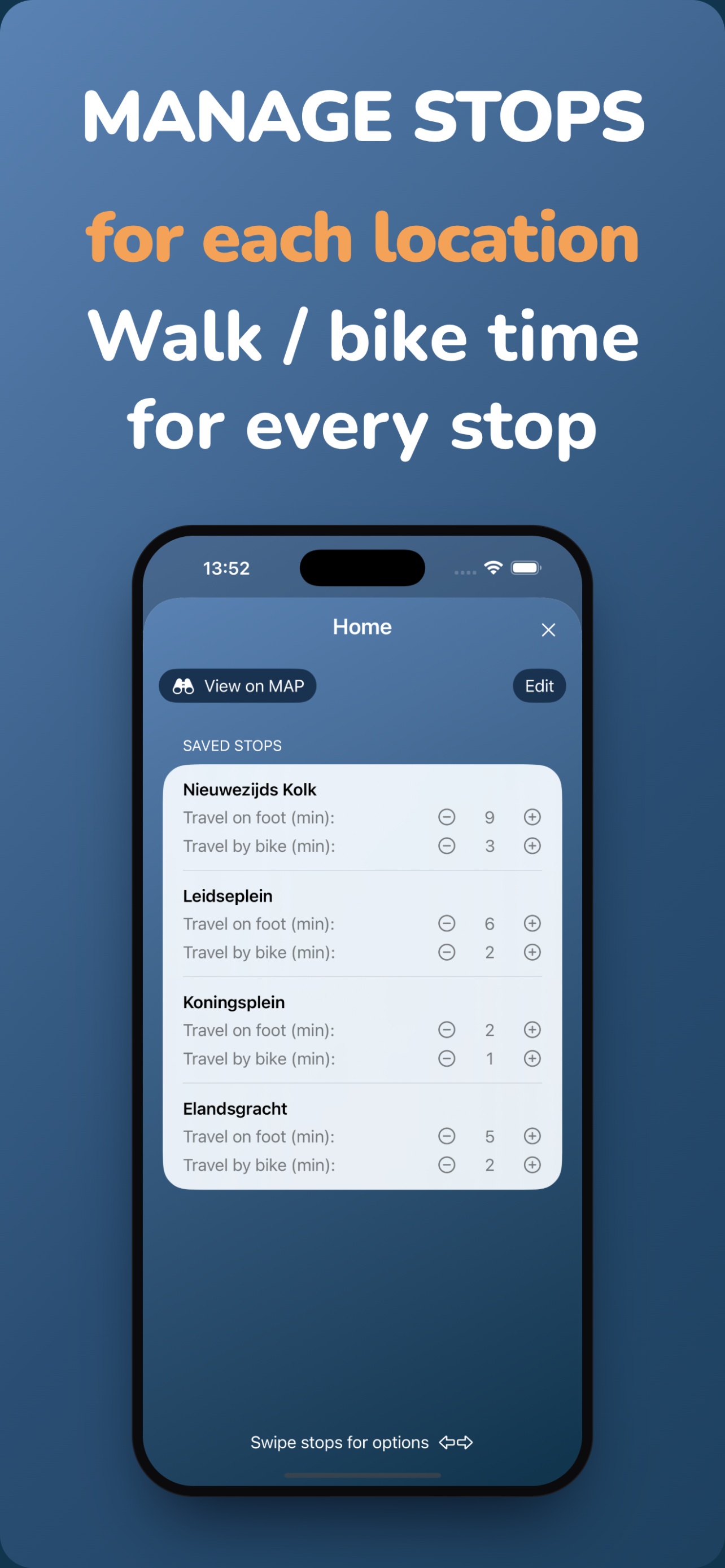
Premium unlocks extras such as Apple Watch support, Home Screen widgets and Cloud Sync, which keeps your locations and stops in sync across your devices.
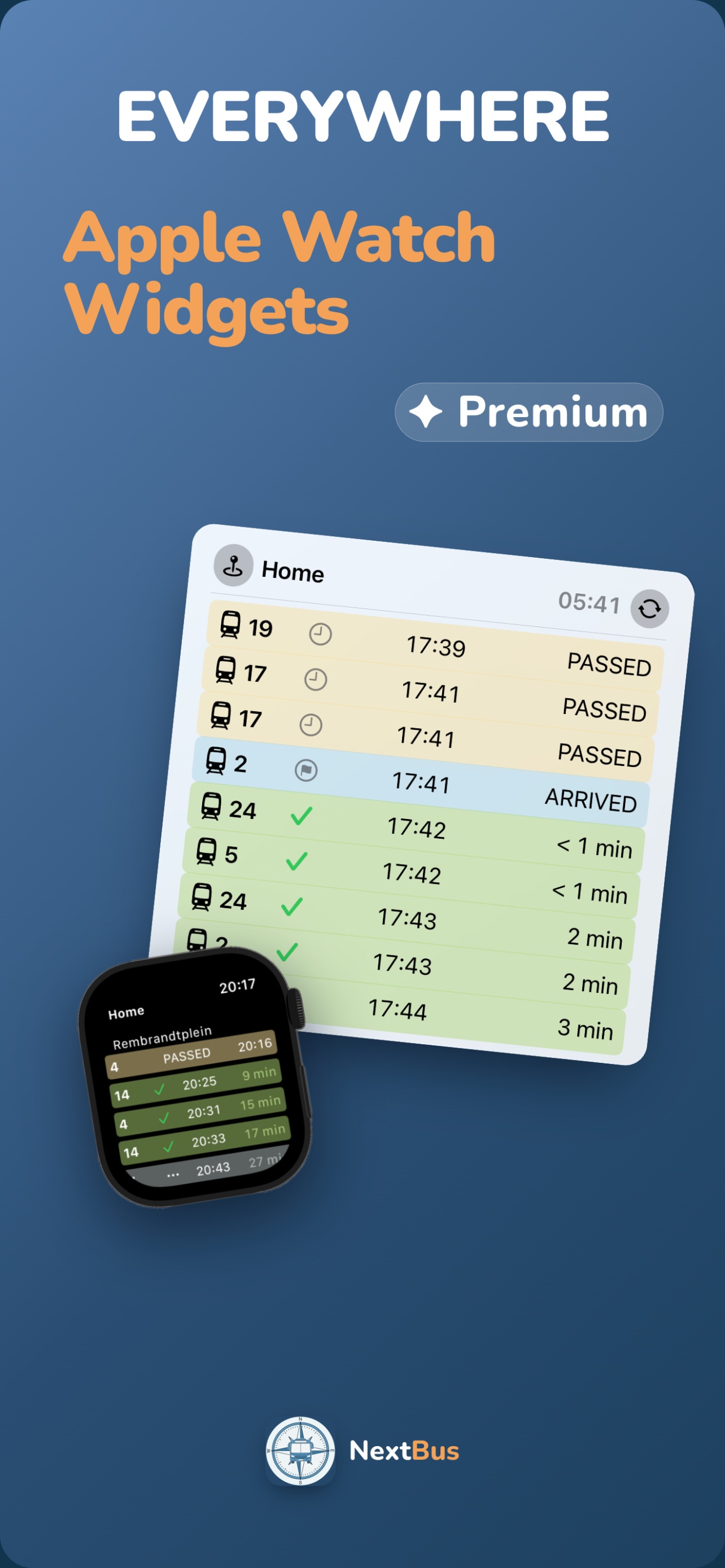
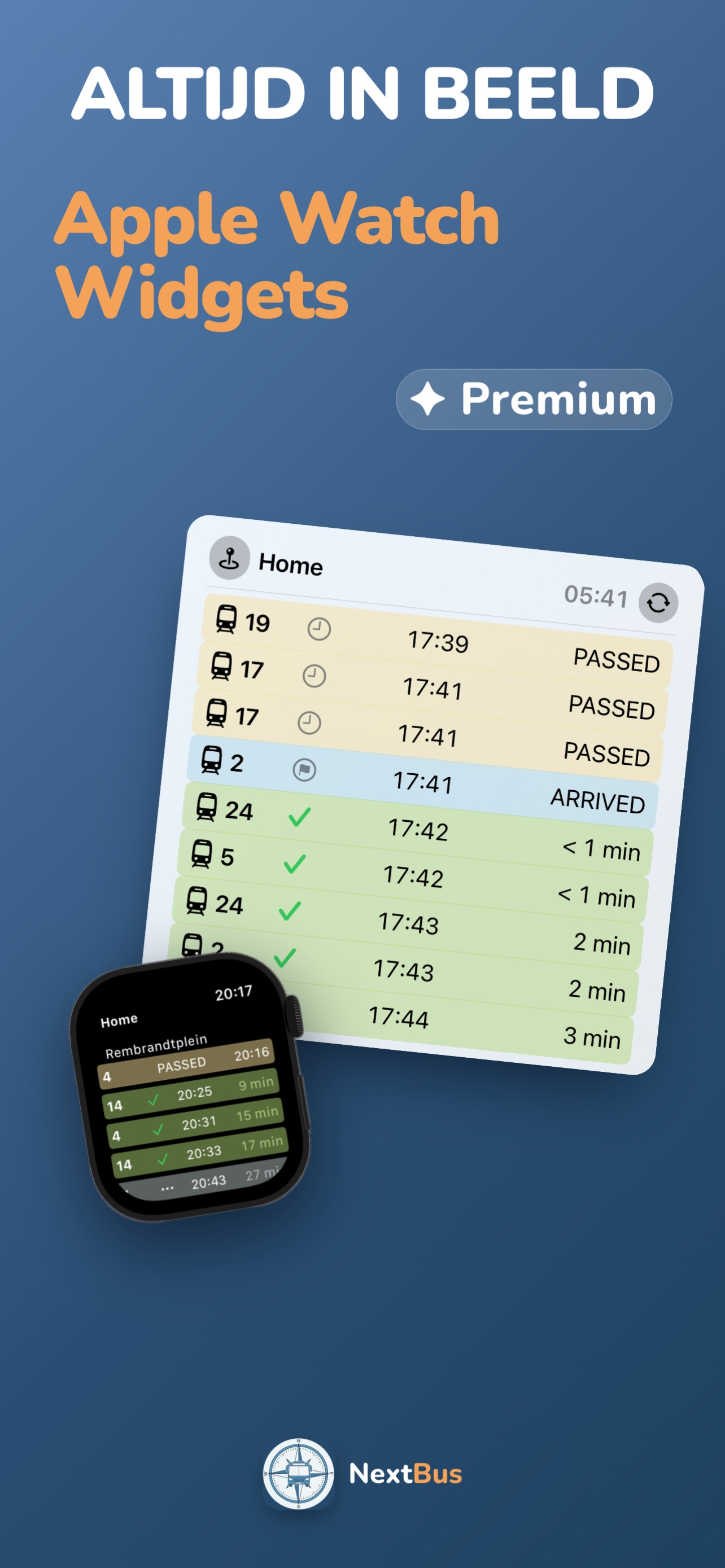
Open NextBus on your iPhone at least once so your saved locations sync to the watch. On the watch you can then pick a location by hand if it isn't detected automatically. Note that updates can take a moment to arrive after the watch wakes up.
If you use Cloud Sync, tap Premium › Cloud Sync › Delete Account in the app to remove everything from our server immediately. Without Cloud Sync, your data never leaves your device. See the Privacy Policy for details.
NextBus gebruikt live data van het Nederlandse OV-netwerk (KV78turbo) voor bussen, trams, trolleybussen en veerboten. Als een halte niets toont, zijn er waarschijnlijk gewoon geen vertrekken binnen je gekozen tijdsvenster. Vergroot het tijdbereik in Instellingen of probeer het iets later opnieuw.
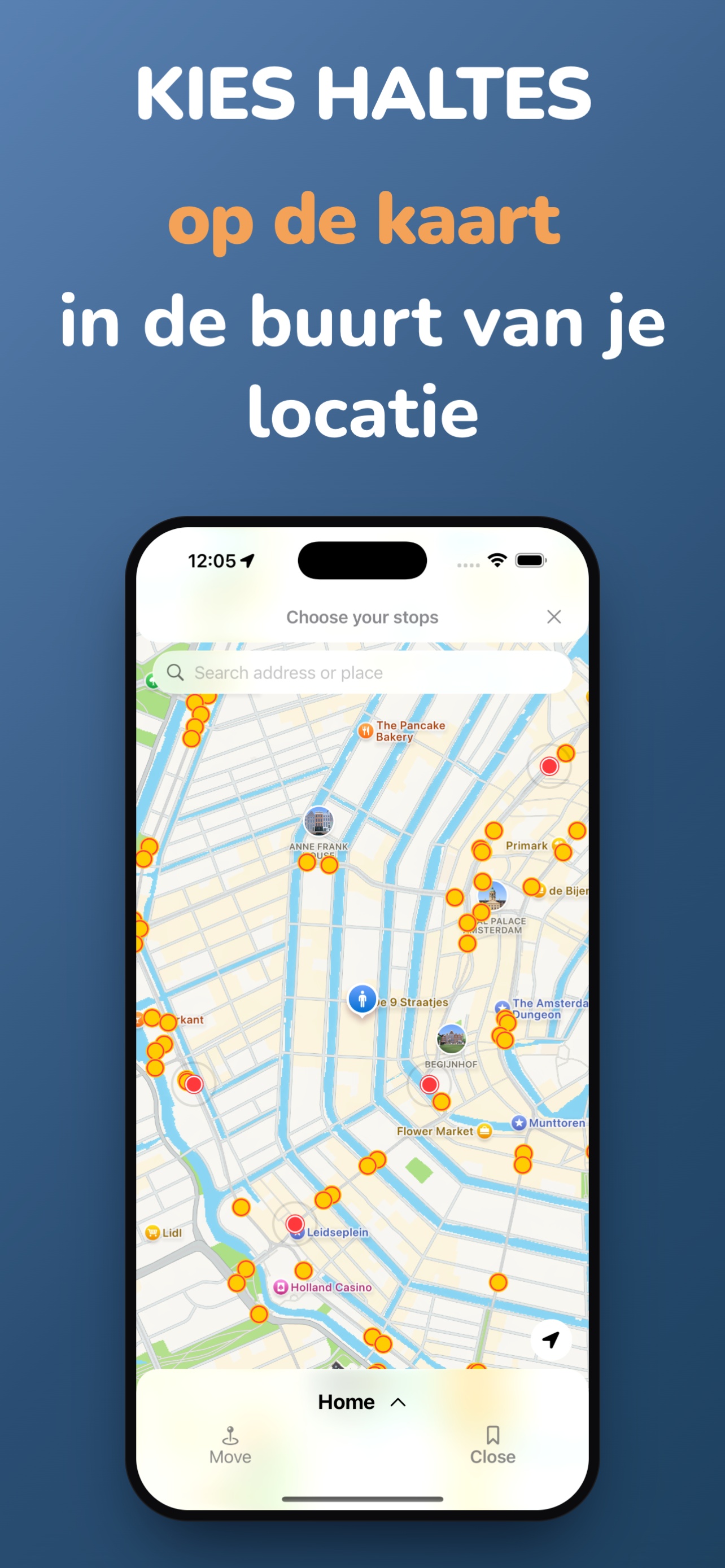
Zorg dat locatietoegang aanstaat voor NextBus onder iOS-instellingen › Privacy en beveiliging › Locatievoorzieningen. Je kunt ook de kaart openen en je haltes handmatig kiezen rond een willekeurig adres.
Premium ontgrendelt extra's zoals Apple Watch-ondersteuning, widgets op het beginscherm en Cloud Sync, waarmee je locaties en haltes gesynchroniseerd blijven tussen je apparaten.
Open NextBus minstens één keer op je iPhone zodat je opgeslagen locaties naar de watch synchroniseren. Op de watch kun je daarna handmatig een locatie kiezen als deze niet automatisch wordt herkend. Let op: updates kunnen even duren nadat de watch is ontwaakt.
Als je Cloud Sync gebruikt, tik dan op Premium › Cloud Sync › Account verwijderen in de app om alles direct van onze server te verwijderen. Zonder Cloud Sync verlaten je gegevens je apparaat nooit. Zie het Privacybeleid voor details.
Send us an email and we'll get back to you — usually within a couple of days.
Stuur ons een e-mail, dan reageren we — meestal binnen enkele dagen.
request@brapps.nl